 Tabivore
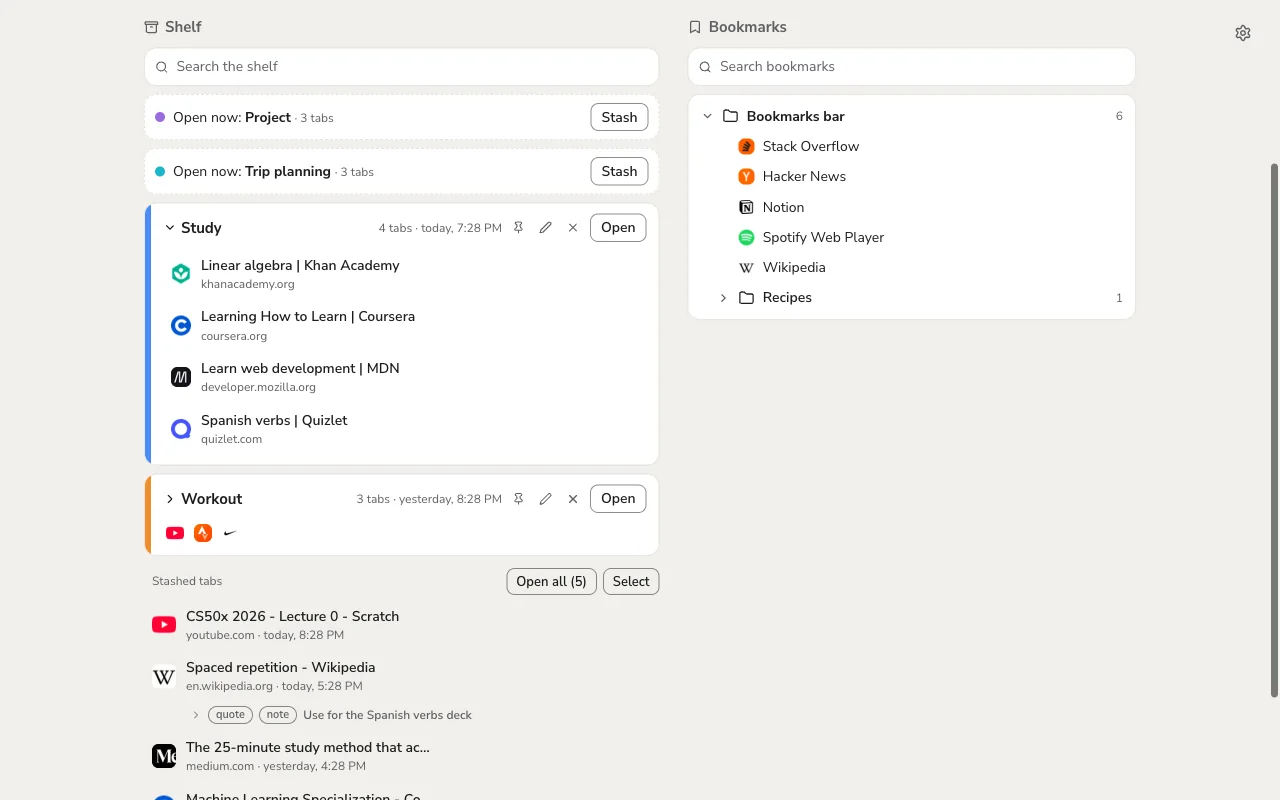
Toby and Tabivore at a glance
| Toby | Tabivore | |
|---|---|---|
| Chrome Web Store users | 300,000 | Launched October 2026 |
| Price | Free Starter plan up to 60 saved tabs; Productivity $6 a month, or $4.50 billed yearly; Team plan | Free |
| Account | Yes, you sign in (Google sign-on available) | None |
| Where your saved tabs live | Collections sync to every computer you sign in on | In your browser, on your device. The extension makes no network requests. |
| Browsers | Chrome Web Store; a separate Firefox add-on | Chrome, Edge, Brave, Opera, Vivaldi (Chrome Web Store) and Firefox |
| What you save | A whole window as a session in one click, or single tabs dragged onto the board; collections and spaces | One tab or a whole tab group, with a click, a shortcut or the context menu; close it or keep it open |
| Tab groups | Saves a Chrome tab group with its color and reopens it as a group | Stashed with name and color, reopened as a real tab group |
| Notes | Notes on the board, with checklists, links and formatting | Quotes from a page, with your own note |
| Swipe back closes a tab opened from a link | — | Yes, on a trackpad; only tabs opened from a link |
| Auto-archive of idle tabs | — | Optional, off by default; idle tabs go to the shelf after the time you choose |
| Sync between computers | Yes | No, on purpose |
| Export and backup | Export of saved tabs (mentioned in its pricing FAQ) | JSON export and import; daily backup to a folder (not in Firefox) |
What Toby does well
Toby is a visual board on the new tab page: collections of tabs grouped into spaces, a side panel, notes, and one-click saving of a whole window as a session. It saves Chrome tab groups with their color. Collections sync to every computer you sign in on, and paid plans add smart features and team sharing. The free Starter plan holds up to 60 saved tabs.
Where Tabivore is different
Tabivore is smaller and stays on your device. There is no account, no server and no paid plan, so there is nothing to sign in to and no limit tied to a plan. It also works on the tabs you do not save: a tab opened from a link closes with a back swipe. Tabivore and Toby both take over the new tab page, and the browser shows only one of them, so pick the one you want there.
More about the back swipe: swipe back to close a tab.
When Toby is the better choice
- You want your collections on every computer you sign in on.
- You share collections with a team.
- You like a big visual board with spaces for clients or projects.
When Tabivore fits
- You do not want an account or a cloud for your tabs.
- You save a few tabs, groups and quotes rather than whole sessions.
- You want a back swipe to close the tabs you are done with.