 Tabivore
Close on Back and Tabivore at a glance
| Close on Back | Tabivore | |
|---|---|---|
| Chrome Web Store users | 954 | Launched October 2026 |
| Chrome Web Store rating | 4.0 out of 5 (39 ratings) | — |
| Version and last update | 3.17, August 13, 2025 | October 2026 |
| Price | Free | Free |
| Browsers | Chrome Web Store | Chrome (Chrome Web Store) and Firefox |
| What closes the tab | Going back on the last history page of a tab | A two-finger swipe back on the trackpad, recognized by a small script on the page |
| Mouse Back button | Yes, the extra history Back buttons on a mouse | No |
| Keyboard | Yes, keyboard shortcuts for Back | No |
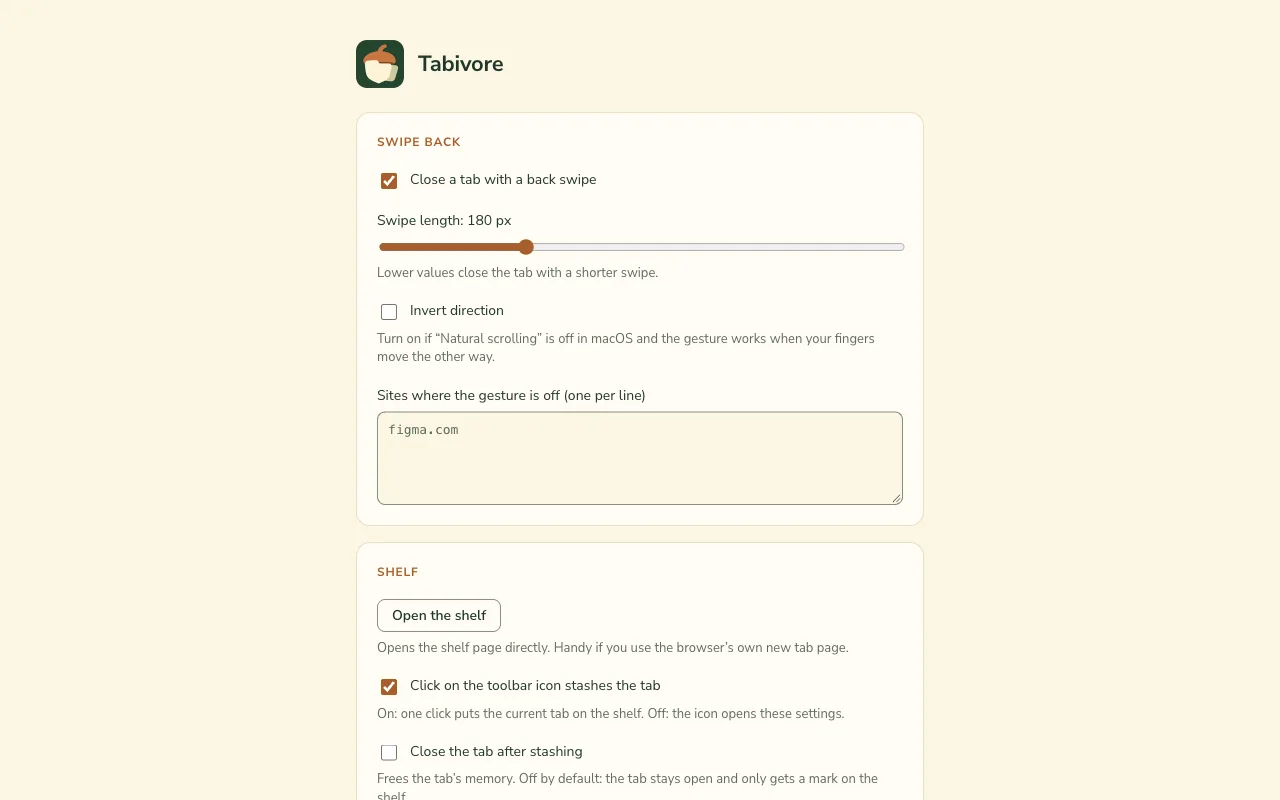
| Two-finger trackpad swipe | — | Yes, tuned on a MacBook trackpad; length and direction in the settings |
| Toolbar Back button | — | No: browsers do not tell extensions about it |
| Which tabs close | The active tab, when it has no earlier page to go back to | Only a tab opened from a link; a tab you opened yourself is never closed by the swipe |
| Where you land | — | On the page that opened the tab |
| Your data | The developer says it does not collect or use your data | Stays in your browser; the extension makes no network requests |
| Beyond closing tabs | — | A shelf on the new tab page for tabs, tab groups and quotes; optional auto-archive of idle tabs |
What Close on Back does well
Close on Back does one thing and stays out of the way. It is tiny (about 19 KB), free, and works with what most people press for Back on a desktop: the extra Back buttons on a mouse and the keyboard shortcuts. If you use a mouse with side buttons, that is the most natural way to get Arc’s back-to-close habit in Chrome.
Where Tabivore is different
Tabivore is built around a trackpad. Browsers do not tell extensions about their own swipe-back gesture, so Tabivore recognizes its own two-finger swipe on the page, and closes the tab only if it was opened from a link: a tab you opened yourself is never closed by the swipe. Tabivore does not react to the mouse Back buttons or keys. The other half is the shelf: what you want to come back to goes to your new tab page, one tab or one tab group at a time, so closing a tab does not mean losing it.
More about the back swipe: swipe back to close a tab.
When Close on Back is the better choice
- You use a mouse with Back buttons, or Back on the keyboard.
- You want only back-to-close, with nothing else on the new tab page.
When Tabivore fits
- You work on a trackpad and want a back swipe to close the tabs you are done with.
- You want a shelf on the new tab page for the tabs and groups you keep.
- You also use Firefox.