 Tabivore
Last Tab Back and Tabivore at a glance
| Last Tab Back | Tabivore | |
|---|---|---|
| Chrome Web Store users | 906 | Launched October 2026 |
| Chrome Web Store rating | 2.8 out of 5 (22 ratings) | — |
| Version and last update | 0.8.0.4, June 24, 2024 | October 2026 |
| Price | Free | Free |
| Browsers | Chrome Web Store | Chrome (Chrome Web Store) and Firefox |
| What closes the tab | Backspace, a custom key, or its toolbar button, when there are no pages to go back to | A two-finger swipe back on the trackpad, recognized by a small script on the page |
| Mouse Back button | A mouse button can be set as the custom key in its options | No |
| Keyboard | Yes: Backspace or a custom key; Ctrl+Backspace returns to the opener tab without closing | No |
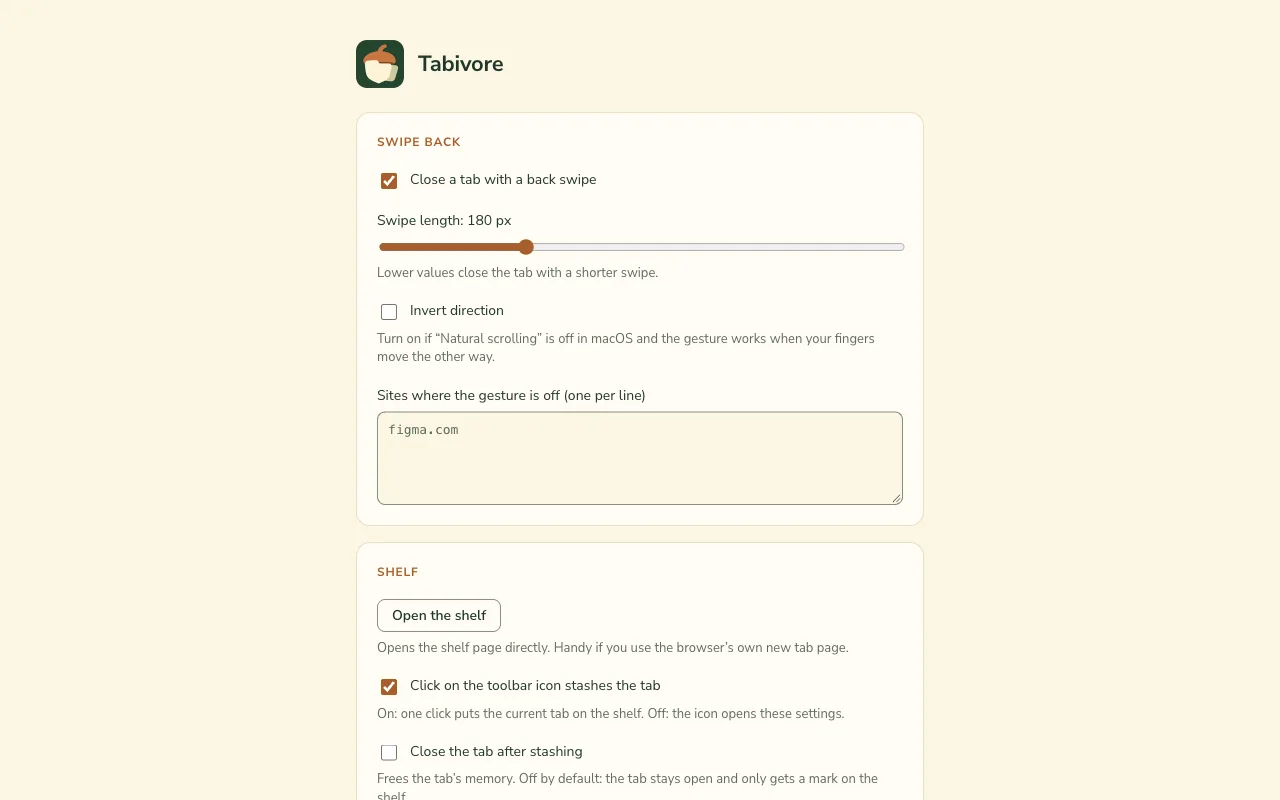
| Two-finger trackpad swipe | — | Yes, tuned on a MacBook trackpad; length and direction in the settings |
| Toolbar Back button | Its own toolbar button, not the browser’s Back button | No: browsers do not tell extensions about it |
| Which tabs close | A tab with no pages to go back to; not while a form field is focused or in the Web Store | Only a tab opened from a link; a tab you opened yourself is never closed by the swipe |
| Where you land | The tab that opened it; it also returns there when you close a tab | On the page that opened the tab |
| Your data | The developer says it does not collect or use your data | Stays in your browser; the extension makes no network requests |
| Beyond closing tabs | — | A shelf on the new tab page for tabs, tab groups and quotes; optional auto-archive of idle tabs |
What Last Tab Back does well
Last Tab Back brings back the old Backspace-to-go-back key and goes one step further: when there is nothing left to go back to, it closes the tab and returns to the tab that opened it. You can pick another key or a mouse button in its options, and Ctrl+Backspace jumps back to the opener tab while leaving the current one open for later.
Where Tabivore is different
Tabivore is for the trackpad. It recognizes a two-finger swipe back on the page and closes a tab only if it was opened from a link; it does not use Backspace, other keys or mouse buttons. It is also newer: Last Tab Back was last updated in June 2024. And it is a tab manager as well: what you want to keep goes to a shelf on your new tab page, one tab or one tab group at a time.
More about the back swipe: swipe back to close a tab.
When Last Tab Back is the better choice
- You want Backspace, another key or a mouse button to close the tab.
- You want to jump back to the opener tab without closing the current one.
When Tabivore fits
- You work on a trackpad and want a back swipe to close the tabs you are done with.
- You want a shelf on the new tab page for the tabs and groups you keep.
- You also use Firefox.