 Tabivore
1 · Swipe back to close
Read the link, swipe back, you are where you were.
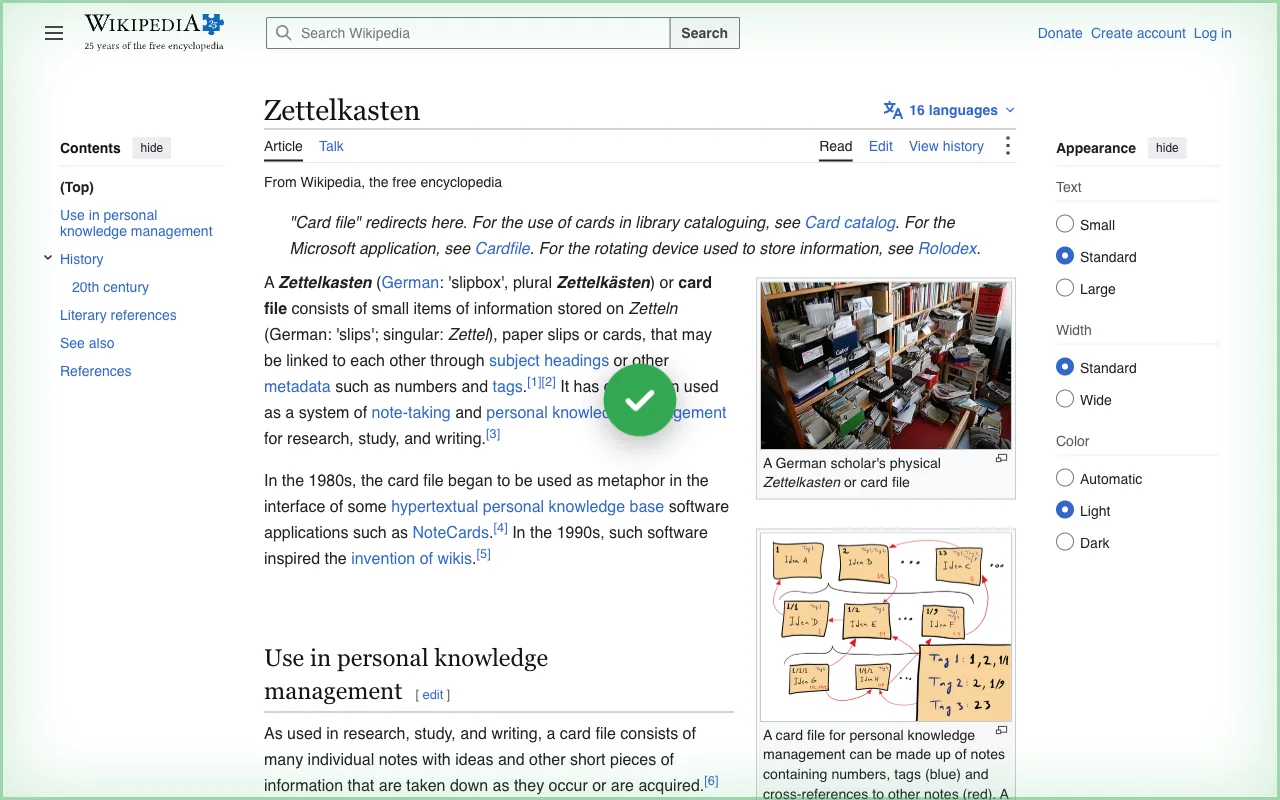
Open a link in a new tab, read it, then swipe back with two fingers on the trackpad: the drop pulls out of the screen edge, the tab closes and the page you came from is there. A tab you opened yourself is never closed by the swipe — it works only on a tab that was opened from a link.
- Off on any site you choose
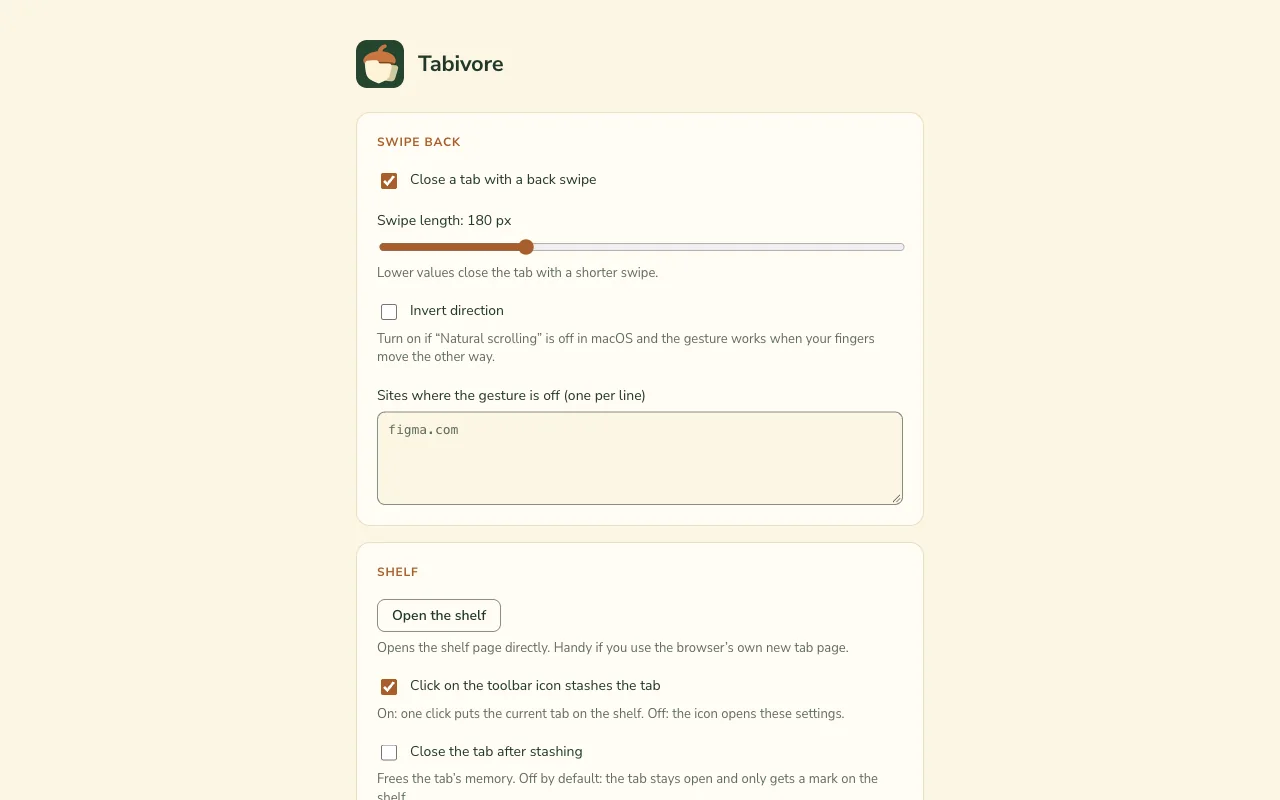
- Swipe length and direction in the settings
- A short hint when a tab cannot be closed this way